Connect Tags
Beside the normal partnerelements and the assignment of pairs, your able to connect every tarp that is already tagged.

The connect symbol is only available if the tarp is not a partnerelement. The + and - indicates and active connection.
If you press + you can connect Tags
The following window will pop up.
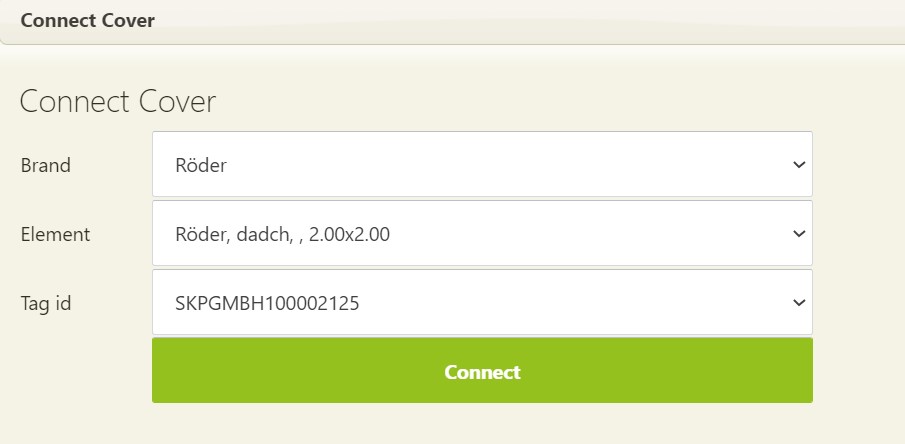
Here you can select from all active tags the appropriate one. Go from Brand to Type and then select the right number. Pressing the [Connect] button establishes the connection immediately.
Disconnect Tags
To separate tarpaulins please click on the symbol with -. You have to confirm the disconnection a second time.