Create Elements
For the main function, scan a tag and get information about the material, you need to create these Elements in your administration area.
You can create normal elements and partner elements. The Partnerelements are made to handle multiple pieces of a tarpaulin.
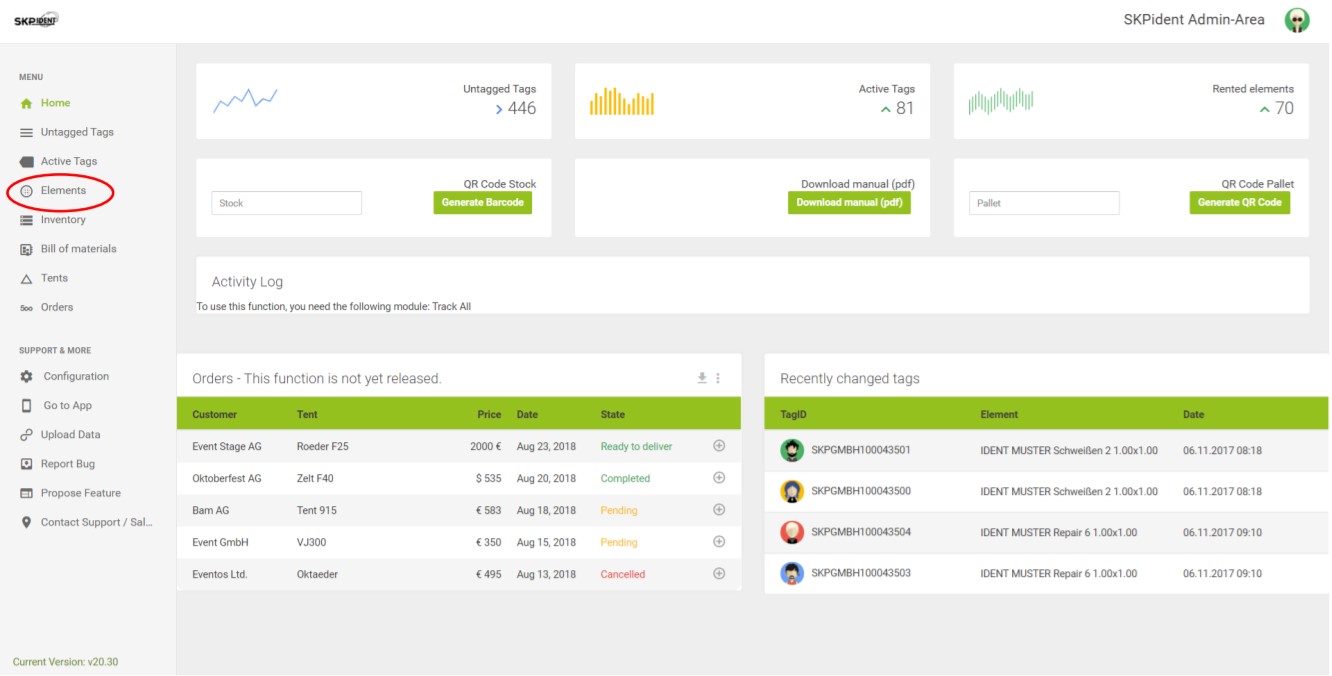
Open the browser and go to the dashboard of SKPident. Once there, click on [Elements] in the navigation bar. Look at the picture.
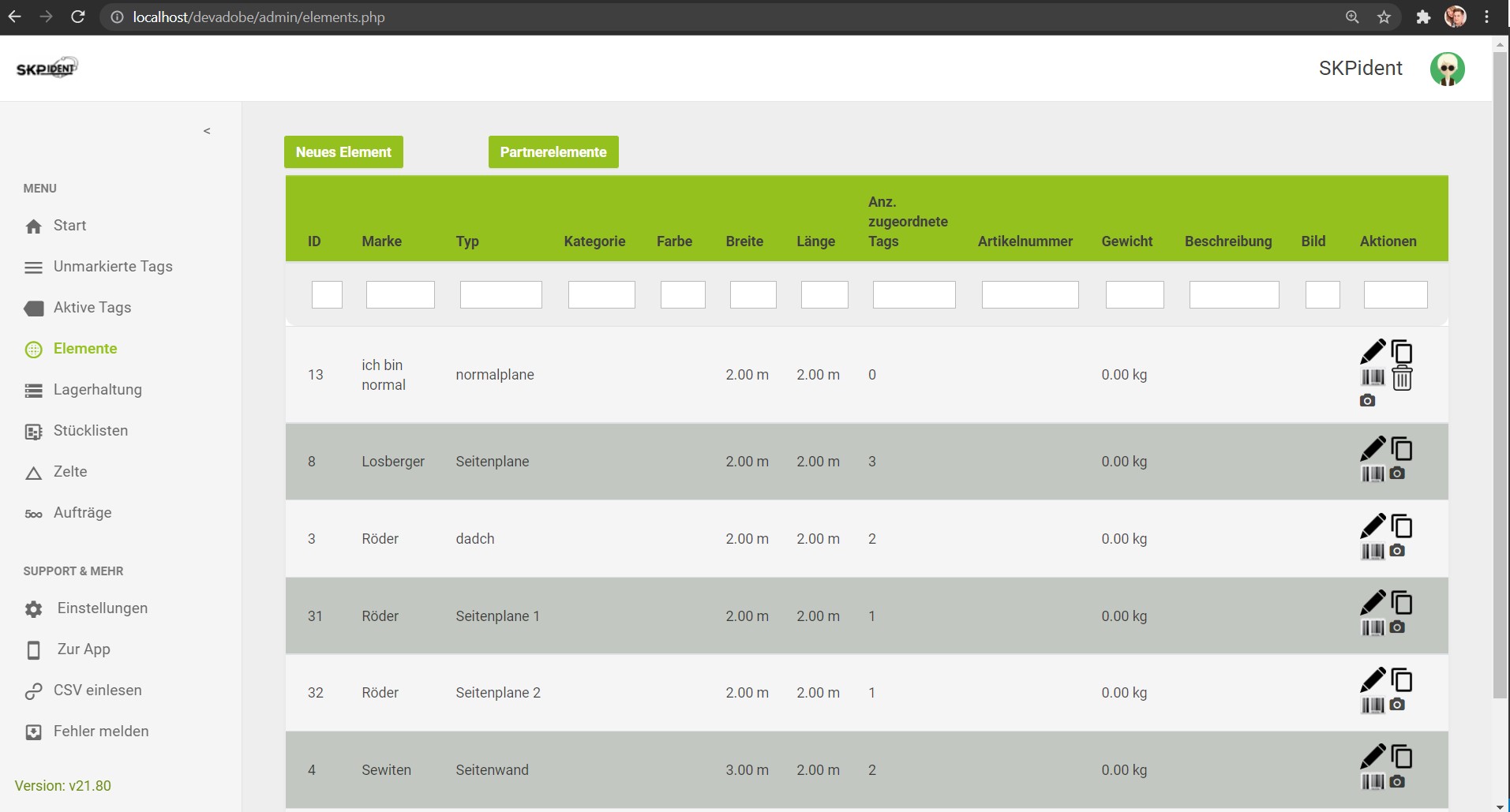
Here you see a [New element] button at the top. With this button you open the input mask for new elements.
Single Element
Here you can type in the information for a single element. Brand, Type, Length and Width are important information you always have to enter. All other information are optional but recommended to enter to have a better identification.
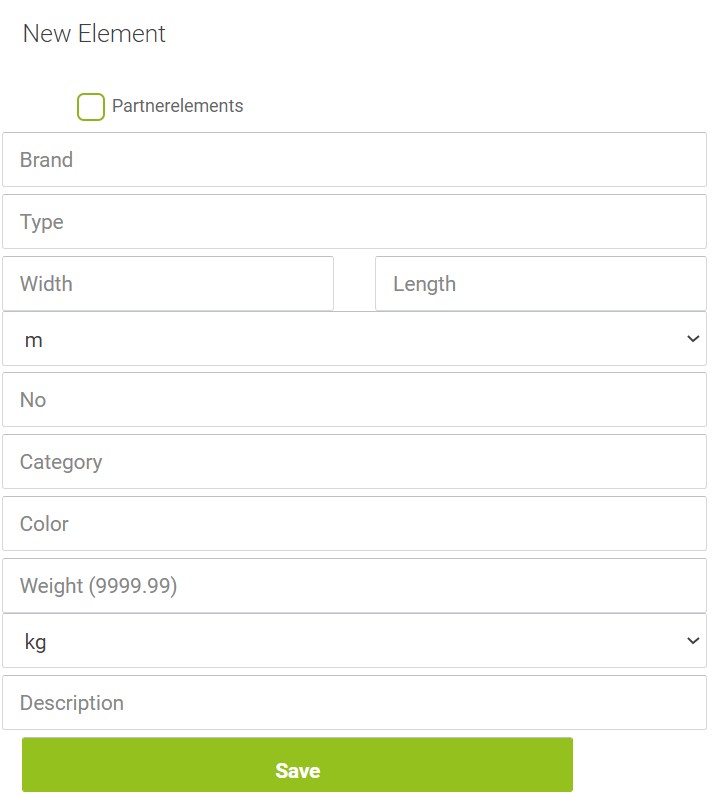
Press [Save] to finish the creation.
Partner Element
Here you can type in the information for a partner element. Press the Checkbox on top to get the second panel.
Brand, Type, Length and Width are important information you always have to enter.
Brand and Type will be filled automatically on the second panel.
All other information are optional but recommended to enter to have a better identification.

Press [Save] to finish the creation.