Rent
After selecting the articles press the [Rent] button. The rental process starts.
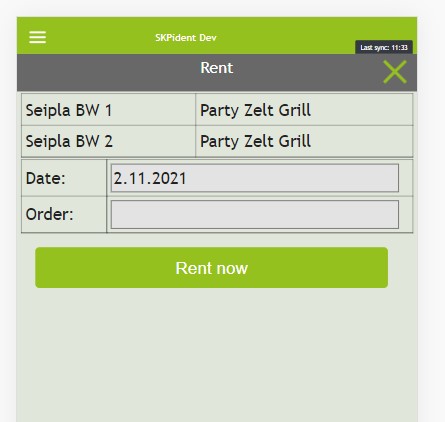
The rental can be proceed with the date of rental and an optional order number. At the top of the rental window you the additional information of the stuff to rent.
Pressing [Rent Now] to start the rental.
Take back
To end a rental you have to select the right articles and press [Take Back]. It is the same process like a rental.