App configuration
When you start the application the first time, you will get a permission request for using the Bluetooth connection. Please confirm, it is important. Then you must enter your access data, therefor open [Settings] on the start screen.
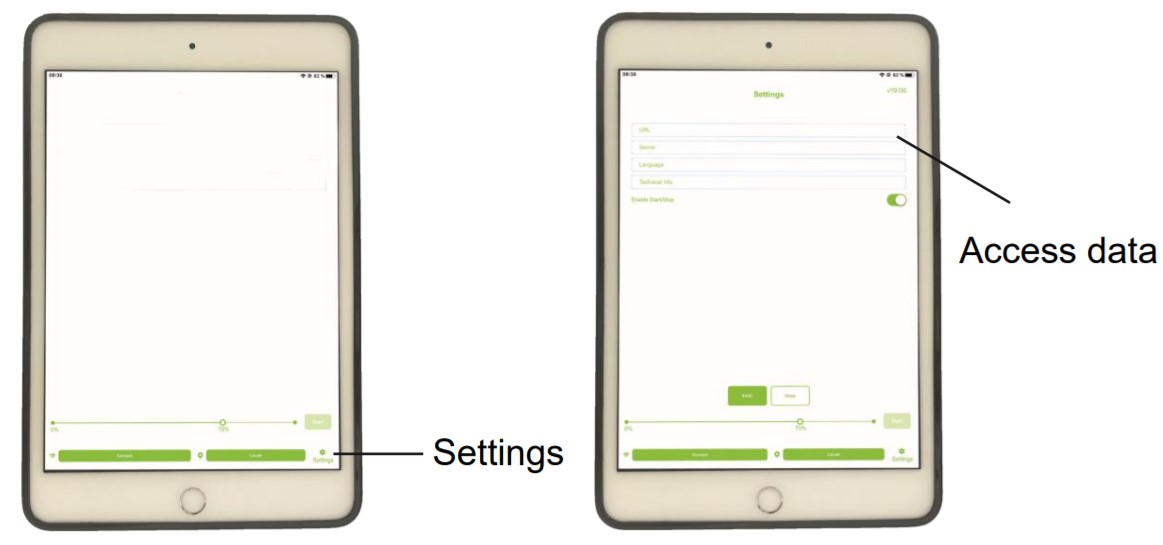
Now go back to the initial screen. You can see white bars at the top left corner. There you can reach the navigation menu. Here you can manually synchronize with the server, reset the system and change the language.
It refresh your Database.
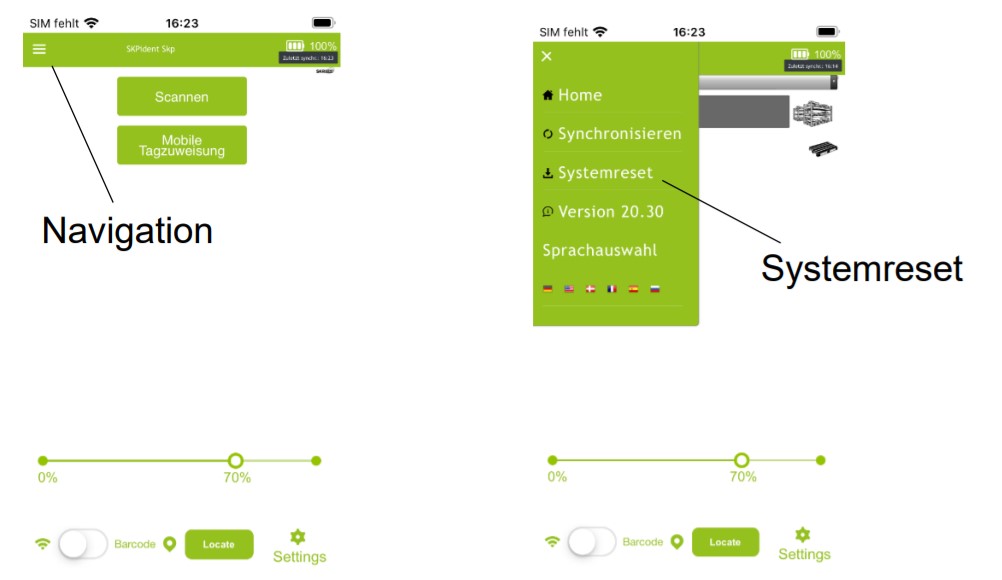
To complete the app setup, you need to connect your scanner to the smartphone.
As you can see, there is currently an [Connect] button at the bottom left.
It opens a List with all scanners available, yours should be listed there “EXA51e + serial number”. You can find the serial number at the bottom of the antenna. Select the right one and press [Connect].
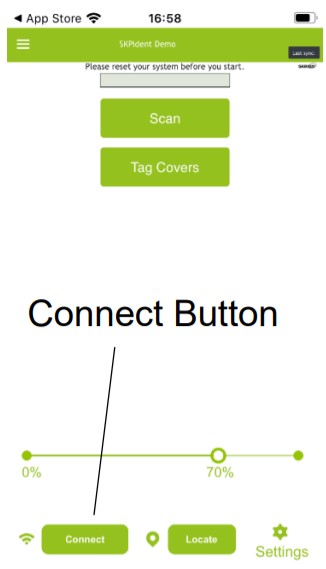
If the Scanner is not listed, make sure it is turned on. Check whether your smartphone has bluetooth switched on.
When you don’t get a connection feel free to contact us. Mail
If you get a connection, it is confirmed with a beep of the scanner and the middle LED should now shine permanently blue.