Orders
Orders
Beside your Tents and Creations, you need some additional information which are essential for the order.
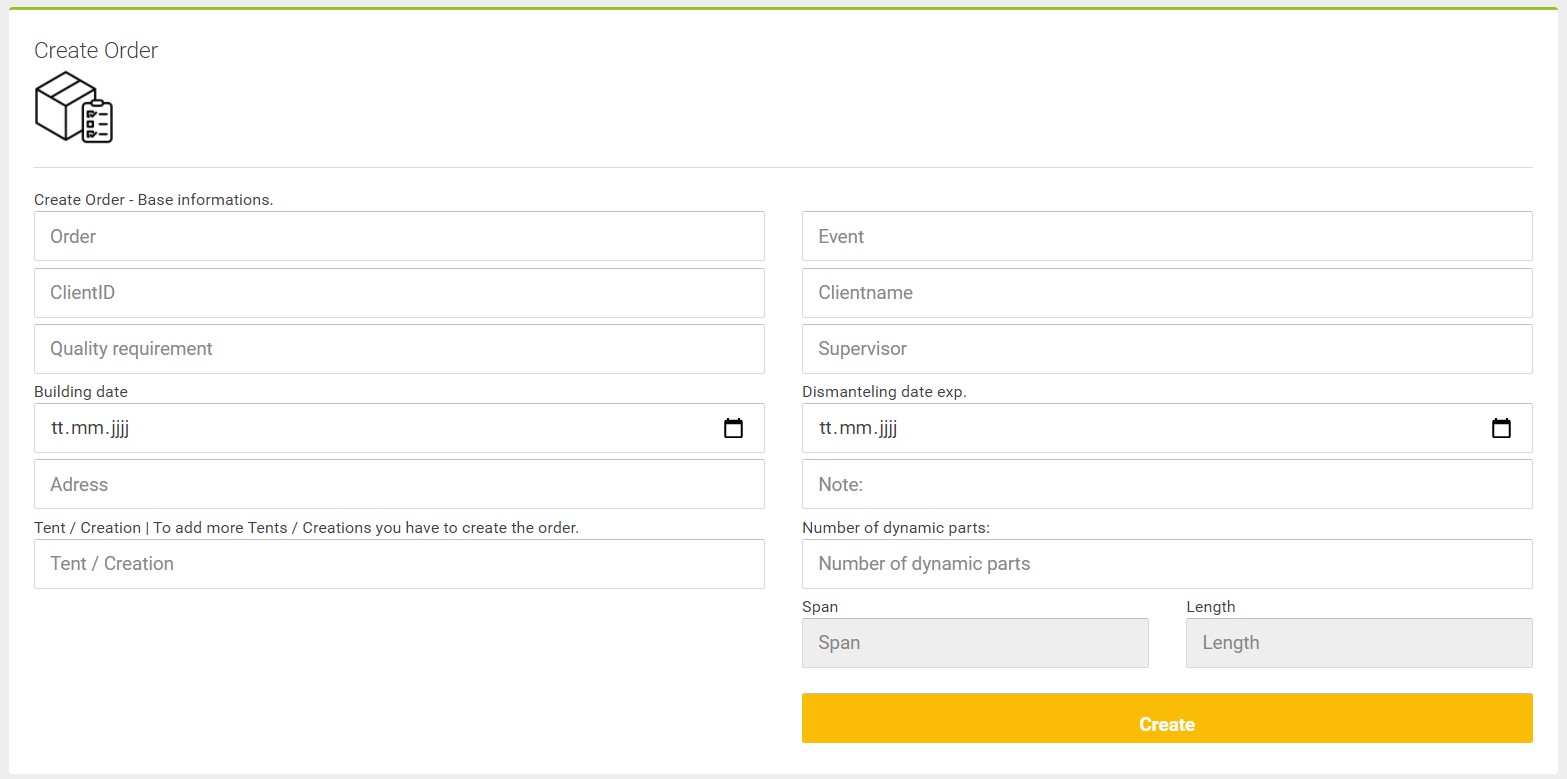
- Ordernumber: To identify the specific order.
- Customernumber: Assosiation to your customer.
- Clientname
- Quality: Definition of the Quality your material should have.
- Build- und Dismantelingdate
- Adress
- Tent or Creation
- Number of dynamic parts.
- Event: Additional information to understand the order.
- Supervisor
- At last an adwise if you need it.
Press [Create] to finish the order.
You can edit the whole order afterwards. You can add and delete tents. The loading list can also be printed here.
Edit, Delete, add tents or open loadinglist.
Loading list

With the red marked icon you can open the loading list.
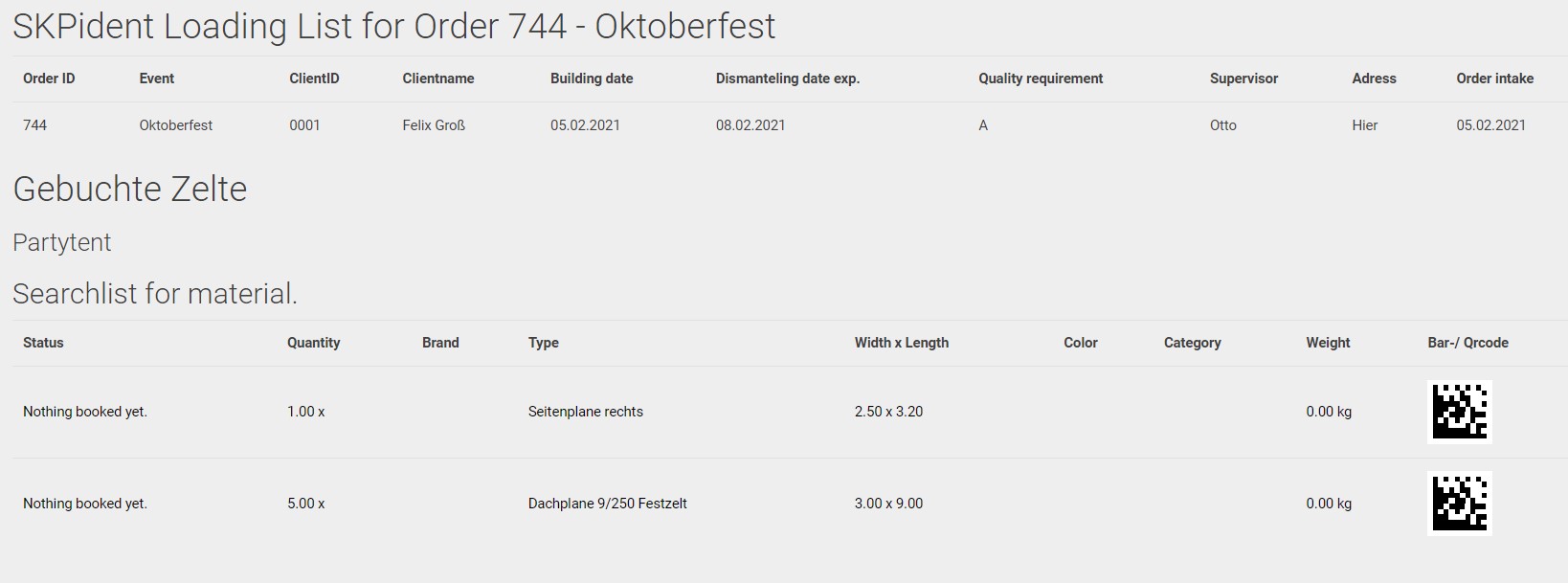
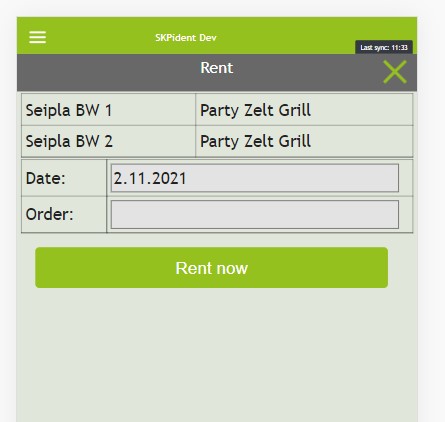
This is the printable loading list all needed articles are listed in the bottom area. The list will be updated when you enter the order id in the renting process.
Add tents
With the big plus icon your able to add tents to an existing order.
Choose the right one and define the count of dynamic parts and press [Add].

Edit and Delete
Editing an order is not recomended but your able to do it. You can change every single information given to an order by pressing the [pencil] icon.
You have to manually remove it when it is complete you also can delete it whenever you want. You simply press the garbage bin icon and confirm.
Order overview
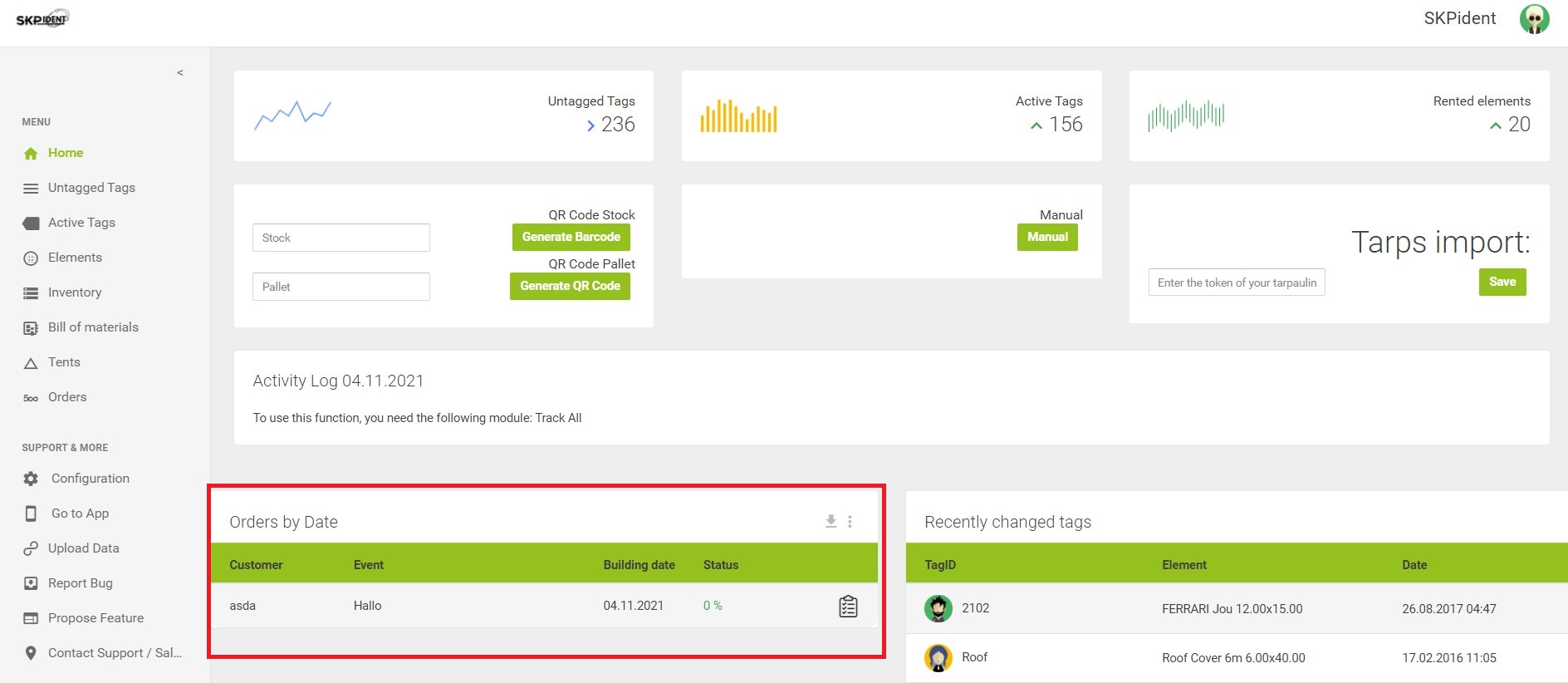
You can see the status and building date of your orders in the dashboard of your administration area. A list of all your orders can be found at the end of the [Orders] menu in your administration area.