Edit and Delete
Edit List
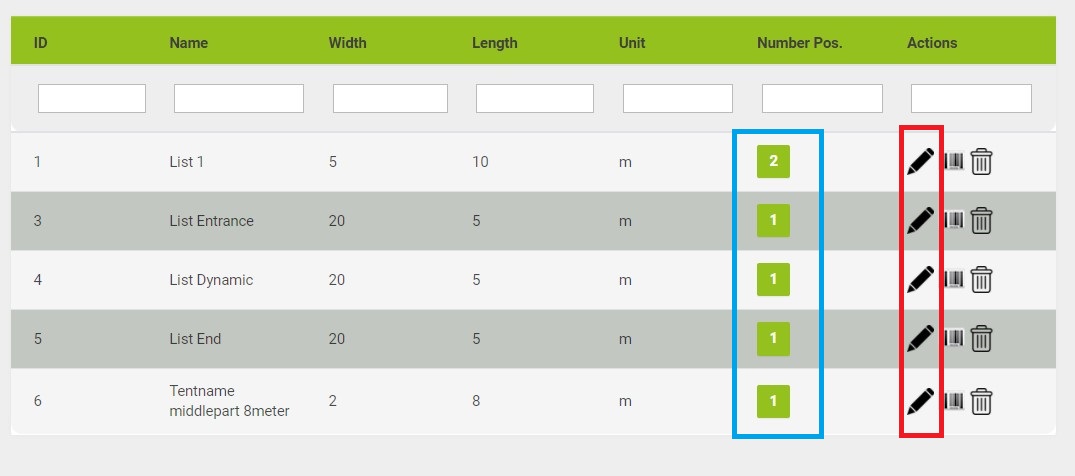
If your already in your [Bill of materials] menu you can click on the pencil marked red in the picture above.
Otherwise you have to go there. Login to your administration area and click on [Bill of materials] to get to the menu.
A new window will pop up. Here you can change the basic information about the list.
Delete List
In the picture above you also see a garbage bin icon. With this icon you can delete a list with all its positions.
Delete material
You also be able to delete material from a list. In the picture above you will see a blue marked area. The green buttons give you the number of positions in the list.
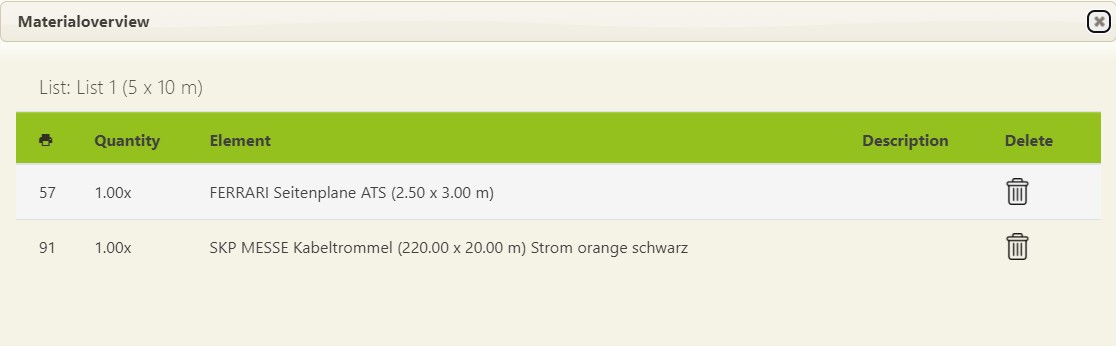
They are clickable and this will open another window. In this window you will get a list of all positions.
You can individually delete positions by pressing the garbage bin icon.
Notes:
Warning: