Add material
If your list is ready for use you are able to add material to this list.
Go to [Bill of materials] on your administration area.
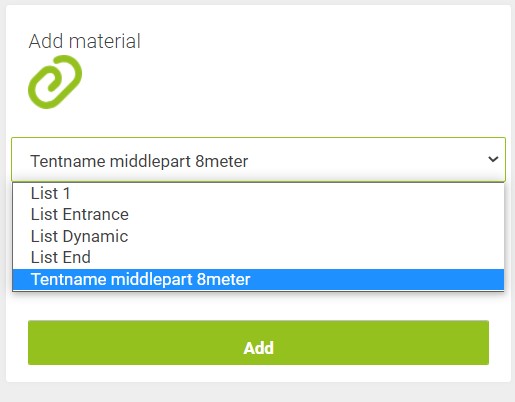
The lower field on the left is used for this purpose. The first step is to choose the right list in the dropdown menu.
Than you can set the count and enter the type name. You get a suggestion when you enter a few letters. You also can give a note to this material.
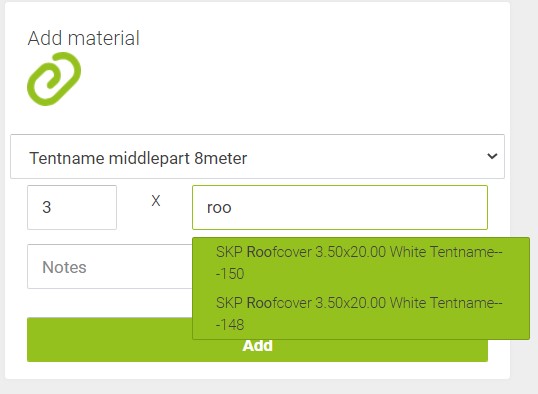
By pressing [Add] the material is written to the list.